
Learn how to set realistic billable utilization targets by role, calculate performance against them, and avoid the mistakes that hurt morale and margins.
What Is a Utilization Target?
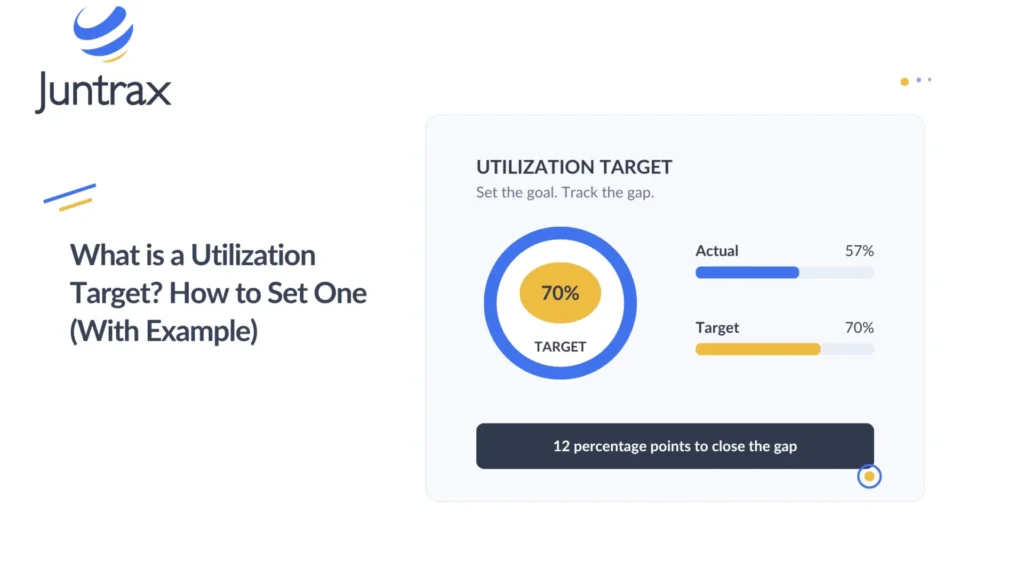
A utilization target is the expected share of an employee’s available working time that should go toward billable work or another defined productive activity. Professional services firms use targets to plan workloads, assess delivery capacity, and check whether their staffing model supports the business.
Targets should reflect the responsibilities of each role. A consultant whose main job is client delivery may carry a higher billable utilization target than a team lead who also manages people, supports sales, and reviews project quality.
A target works as a planning benchmark. Actual utilization still moves with project demand, employee availability, client delays, and the mix of responsibilities each person holds.
How to Set a Utilization Target (4 Steps)
Start by defining the available hours used in your calculation. Decide how the business treats public holidays, approved leave, training, and other scheduled activities. Then apply the same method every time so you can compare actual results with the target.
Next, review each role’s responsibilities. Consider how much time employees need for project delivery, internal meetings, mentoring, business development, and administrative work. A realistic target leaves room for everything the business expects employees to do.
After that, examine historical project demand. If a team regularly sees gaps between projects, a target based on fully booked weeks will not reflect real operating conditions. Use your records to find recurring patterns and check whether the gaps come from seasonality, staffing decisions, or delayed project starts.
Finally, review targets periodically. A new service line, a change in client mix, or a shift in employee responsibilities may justify an adjustment.
Utilization Target Calculation Example
A firm has a consultant with 120 available working hours during a reporting period. Management sets a billable utilization target of 75%.
The target billable hours are:
120 × 75% = 90 billable hours
At the end of the period, the consultant records 84 billable hours.
Actual utilization is:
84 ÷ 120 × 100 = 70%
The consultant is five percentage points below the target. This result should prompt a review of the work pattern before any judgment about performance. The employee may have spent time on approved internal projects, faced a delayed client start, or lacked enough assignments.
If the gap came from an avoidable planning problem, the manager can fix it through better allocation. If the work mix changed, the target itself may need review.
Why Utilization Targets Matter for Capacity Planning
A utilization target turns a firm’s financial and staffing expectations into an operational benchmark. It gives managers a reference point when they review demand, plan assignments, and assess whether the team has enough client work.
It also supports forecasting. When a firm knows how much time its team can reasonably spend on client work, it can estimate the delivery capacity available for upcoming projects.
However, targets can drive counterproductive behavior when managers treat them as the only measure of performance. Employees may rush tasks, avoid useful internal work, or record time incorrectly if they believe only billable hours count.
For this reason, review utilization alongside project margin, delivery quality, workload, and employee responsibilities.
3 Common Utilization Target Mistakes to Avoid
- Using one target for every role: Different responsibilities require different amounts of billable time.
- Setting targets from revenue goals alone: The required utilization must stay realistic given the team’s skills, project demand, and available hours.
- Ignoring the reasons behind a shortfall: A low result may reflect weak demand or poor scheduling rather than an employee’s effort.
Utilization Target vs. Resource Utilization and Bench Time
A utilization target gives context to actual resource utilization. It also helps managers investigate bench time and spot when unassigned capacity becomes a recurring problem.
To plan targets against upcoming demand, see our guide to capacity planning in project management.
Track Utilization Targets with Juntrax PSA Software
Juntrax supports project planning through planned hour budgets, task estimates, team assignments, and timesheets. Managers can compare estimated project hours with actual recorded hours and review the financial information tied to project work.
As a result, managers can use project plans, task estimates, and timesheets as inputs when they review staffing plans and recorded effort.
Explore Juntrax PSA software for project planning and tracking.
Utilization Target FAQs
Targets vary by role, service line, delivery model, and the amount of internal work expected. Industry benchmarks can offer a starting reference, but firms should validate targets against their own project demand, historical results, and staffing structure.
Yes. Targets may need to change when responsibilities, client demand, service offerings, or the firm’s operating model change. Review the assumptions behind a target before adjusting it because of one weak reporting period.
Balance your team’s capacity free for 14 days
Start Free Trial